
Stock Status:
Condition: New
SKU : 4339M35
Wi-Fi 6 technology: Supports improved network efficiency and performance on compatible devices.
AX1500 wireless speed: Offers combined theoretical speeds of up to 1.5Gbps across both bands.
Dual-band connectivity: Provides up to 1,201Mbps on 5GHz and 300Mbps on 2.4GHz.
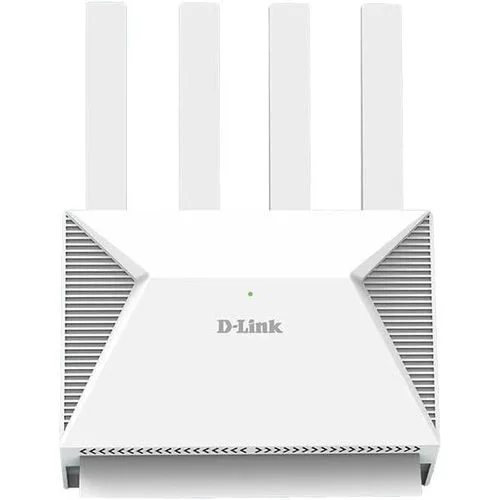
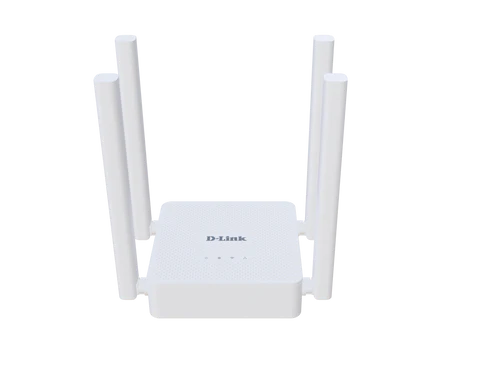
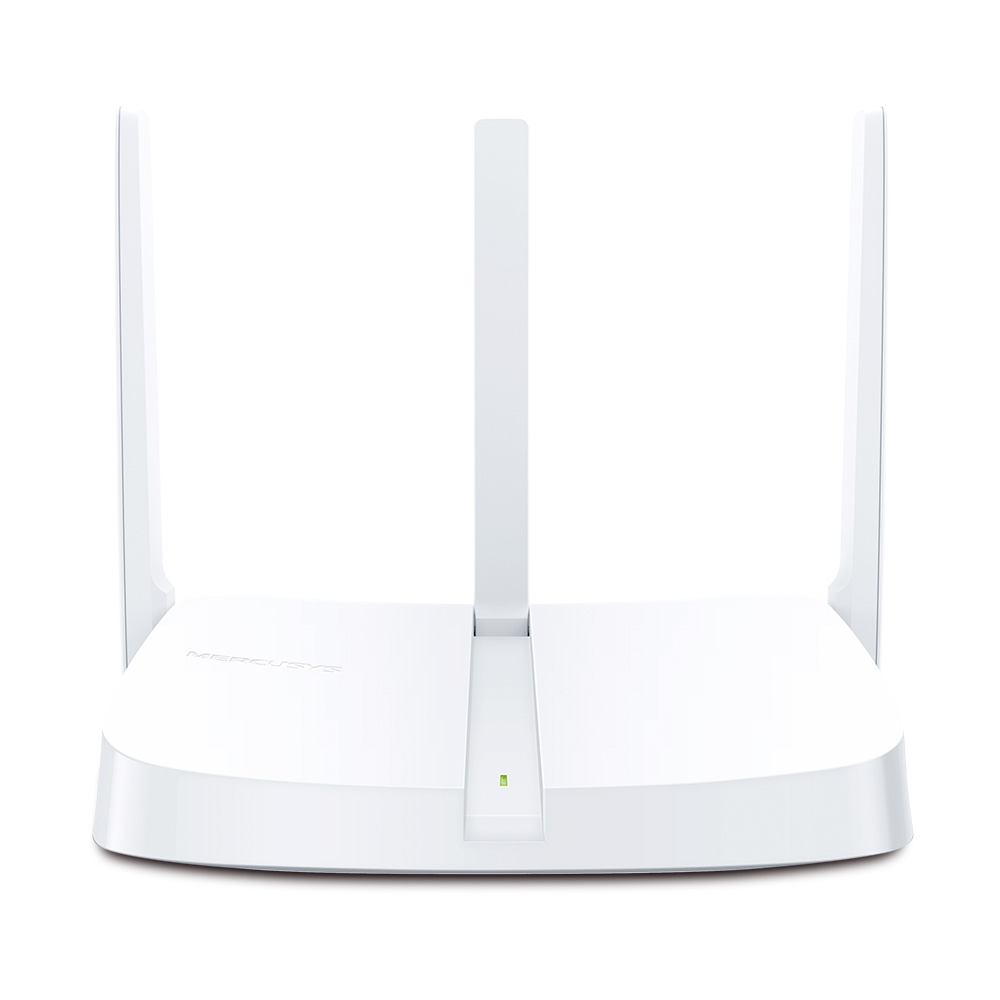
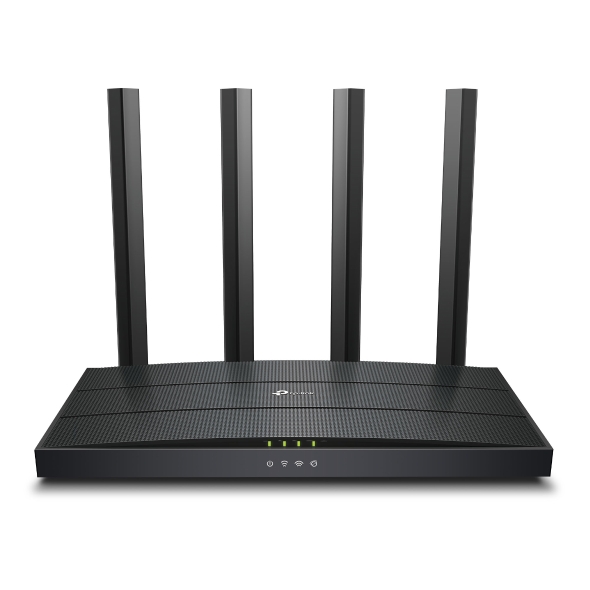
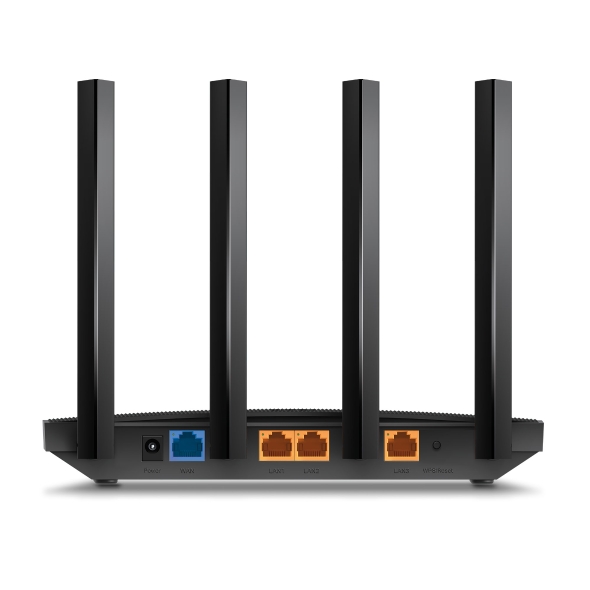
Four external antennas: Help distribute wireless signals throughout the home or office.
OFDMA and MU-MIMO: Improve network efficiency when multiple compatible devices connect simultaneously.
Beamforming technology: Focuses wireless signals towards connected devices to help improve coverage.
Gigabit Ethernet ports: Includes one Gigabit WAN port and three Gigabit LAN ports.
WPA3 security: Supports modern wireless encryption on compatible configurations.
Parental controls: Helps manage internet access for selected devices.
Guest network: Provides separate Wi-Fi access for visitors.
TP-Link Tether app: Supports convenient setup and network management.
Access Point mode: Can extend an existing wired network by providing wireless connectivity.
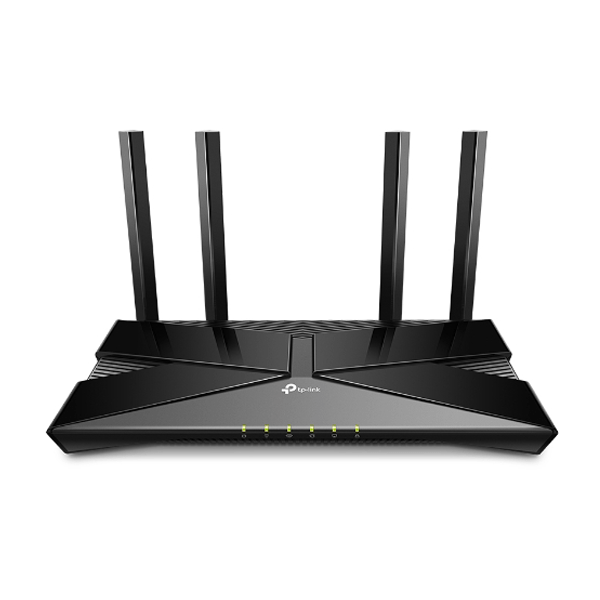
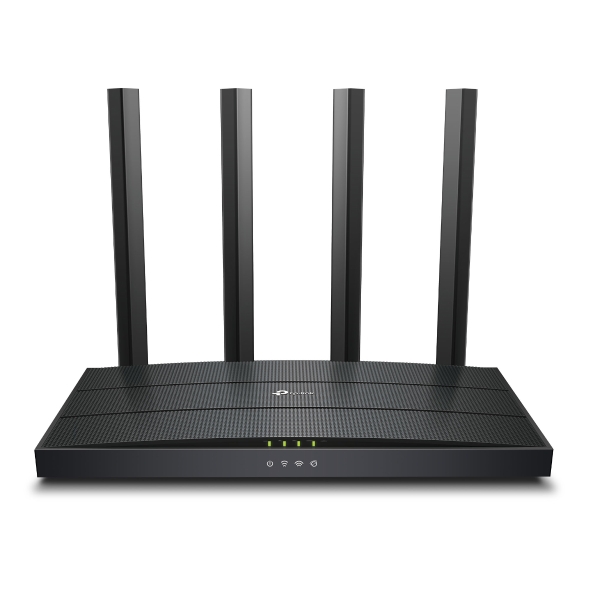
The TP-Link AX1500 Wi-Fi 6 Router (TL-Archer AX12) is a dual-band wireless router designed to provide fast, stable, and efficient internet connectivity for homes and small offices. Powered by Wi-Fi 6 technology, it delivers combined theoretical wireless speeds of up to 1.5Gbps, with up to 1,201Mbps on the 5GHz band and 300Mbps on the 2.4GHz band. Its four external antennas, beamforming technology, OFDMA, and MU-MIMO support help improve wireless coverage and handle multiple connected devices more efficiently. With three Gigabit LAN ports, one Gigabit WAN port, WPA3 security, and convenient setup through the TP-Link Tether app, the Archer AX12 is a practical networking solution for streaming, online gaming, video conferencing, remote work, and everyday browsing.
|
Product |
Price in Kenya |
|---|---|
|
TP-Link AX1500 Wi-Fi 6 Router (TL-Archer AX12) |
KSh 5,500 – KSh 10,500 |
|
Specification |
Details |
|---|---|
|
Brand |
TP-Link |
|
Product Name |
AX1500 Wi-Fi 6 Router |
|
Model |
Archer AX12 |
|
Product Code |
TL-Archer AX12 |
|
Router Type |
Dual-band wireless Gigabit router |
|
Wi-Fi Standard |
Wi-Fi 6 (802.11ax) |
|
Combined Wireless Class |
AX1500 |
|
5GHz Wireless Speed |
Up to 1,201Mbps |
|
2.4GHz Wireless Speed |
Up to 300Mbps |
|
Frequency Bands |
2.4GHz and 5GHz |
|
Antennas |
4 fixed external antennas |
|
Wireless Technologies |
OFDMA, MU-MIMO, beamforming, Airtime Fairness |
|
WAN Ports |
1 × Gigabit WAN |
|
LAN Ports |
3 × Gigabit LAN |
|
Ethernet Speed |
Up to 1Gbps per Gigabit port |
|
USB Ports |
None |
|
Wireless Security |
WPA3-Personal, WPA2, and other supported encryption modes |
|
Guest Network |
Supported on 2.4GHz and 5GHz |
|
Parental Controls |
Supported |
|
Quality of Service |
Device-based QoS on supported firmware |
|
Operating Modes |
Router mode and Access Point mode |
|
Management |
TP-Link Tether app and web interface |
|
IPv4/IPv6 |
Supported |
|
WPS |
WPS/Reset button |
|
Power Supply |
12V DC, 1A |
|
Dimensions |
Approximately 215 × 117 × 32mm |
|
Colour |
Black |
|
Typical Use |
Home networking and small-office connectivity |
Combined AX1500 speeds: The theoretical total of 1,501Mbps combines the 5GHz and 2.4GHz maximum rates; individual devices do not normally receive this combined speed.
5GHz performance: The 5GHz band is suitable for bandwidth-intensive tasks such as HD and 4K streaming, online gaming, and video calls when devices are within good signal range.
2.4GHz connectivity: Offers broader compatibility with older wireless devices and can provide better reach in some indoor environments.
Wi-Fi 6 efficiency: The 802.11ax standard improves how compatible devices share wireless capacity.
OFDMA support: Helps the router coordinate transmissions for multiple compatible devices, improving efficiency in busy networks.
MU-MIMO support: Helps the router serve multiple compatible clients more efficiently.
Airtime Fairness: Helps balance wireless access between devices with different connection capabilities.
Real-world speed: Actual performance depends on the internet subscription, connected devices, signal strength, interference, and network congestion.
Four external antennas: Help distribute wireless signals across different directions.
Beamforming technology: Focuses the signal towards connected devices to support a more reliable connection.
Dual-band coverage: Allows devices to connect using the band that best suits their range and speed requirements.
Home networking: Suitable for apartments, smaller houses, and many everyday home internet setups.
Small-office networking: Supports wireless access for computers, phones, printers, and other compatible devices.
Placement flexibility: Position the router in an open, central location for better coverage.
Coverage limitations: Thick walls, metal surfaces, interference, and larger multi-storey buildings can reduce signal strength; additional networking equipment may be required for difficult layouts.
One Gigabit WAN port: Connects the router to a compatible modem, fibre terminal, or internet gateway.
Three Gigabit LAN ports: Connect desktop computers, smart TVs, game consoles, and other wired devices.
Wired connectivity: Provides a stable alternative to Wi-Fi for devices that benefit from a direct Ethernet connection.
Gigabit speed support: Each Ethernet port supports link speeds up to 1Gbps under compatible conditions.
Reduced wireless congestion: Connecting suitable devices by Ethernet leaves more wireless capacity available for phones and other wireless clients.
No USB port: The router does not provide a USB interface for directly sharing USB storage or printers.
WPA3-Personal: Provides a modern wireless security option on supported regional and firmware configurations.
WPA2 support: Maintains compatibility with a broad range of older wireless devices.
SPI firewall: Helps protect the local network against selected unwanted network traffic.
Access control: Allows supported settings to restrict network access for selected devices.
Parental controls: Helps parents manage internet access and device usage.
Guest Wi-Fi: Provides visitors with a separate wireless network rather than sharing the main network credentials.
Firmware maintenance: Installing available firmware updates helps maintain security and system stability.
Secure configuration: Use a strong administrator password and a secure Wi-Fi password to reduce unauthorised access.
TP-Link Tether app: Provides a convenient way to configure and manage supported router settings using a compatible mobile device.
Web interface: Allows configuration through a web browser.
Simple initial setup: Connect the WAN port to the internet source, power on the router, and follow the configuration instructions.
Network name customisation: Configure the Wi-Fi name and password for the two wireless bands.
Device management: View and manage connected devices using supported controls.
Access Point mode: Allows the router to provide Wi-Fi through an existing wired network.
Internet configuration: Supports common connection types such as Dynamic IP, Static IP, PPPoE, PPTP, and L2TP, depending on firmware and configuration.
Firmware-dependent features: Available options can vary by hardware revision and regional version.
4K streaming: Supports the bandwidth requirements of compatible streaming devices when the internet connection is sufficient.
Online gaming: Helps provide a responsive wireless connection for compatible consoles, computers, and gaming devices.
Video conferencing: Supports video calls and remote meetings across connected devices.
Smart home connectivity: Can connect compatible Wi-Fi cameras, smart plugs, televisions, and other wireless equipment.
Work-from-home networking: Provides wireless and wired access for laptops, phones, printers, and other office equipment.
Multiple-device households: Wi-Fi 6 efficiency features help manage traffic from several compatible devices.
Internet plan compatibility: The router can distribute internet access from compatible services, but it does not increase the speed supplied by the internet provider.
|
Pros |
Cons |
|---|---|
|
Wi-Fi 6 dual-band connectivity |
Does not support Wi-Fi 6E or Wi-Fi 7 |
|
Combined theoretical speeds of up to 1.5Gbps |
Actual speeds depend on network and device conditions |
|
Four external antennas and beamforming |
Coverage may be insufficient for large multi-storey buildings |
|
OFDMA and MU-MIMO support |
Benefits are greatest with compatible Wi-Fi 6 devices |
|
One Gigabit WAN and three Gigabit LAN ports |
Only three wired LAN ports are available |
|
WPA3 wireless security support |
Some security features depend on firmware and regional version |
|
Guest network and parental controls |
No USB port for direct storage or printer sharing |
|
Tether app and Access Point mode |
Does not include a built-in modem for every internet service type |
Home users: Suitable for everyday browsing, streaming, video calls, and wireless internet access.
Students: Useful for online classes, research, downloads, and connecting multiple study devices.
Remote workers: Provides Wi-Fi and wired connectivity for laptops, desktops, and office peripherals.
Small businesses: Offers a practical entry-level router for basic office networking.
Online gamers: Provides a modern dual-band connection for compatible gaming devices.
Smart home users: Connects compatible wireless equipment such as smart TVs, cameras, and plugs.
Users upgrading older routers: Wi-Fi 6 efficiency and Gigabit Ethernet support provide a useful upgrade when paired with compatible devices and internet service.
Check your internet connection: Confirm that your broadband service and modem or fibre terminal are compatible with the router's WAN connection.
Consider your coverage area: Larger homes may require additional access points or a mesh Wi-Fi solution.
Review device compatibility: Wi-Fi 6 features work most effectively when connected devices support the relevant standard.
Check wired requirements: The router has three Gigabit LAN ports; additional Ethernet devices may require a compatible switch.
Review hardware revision: Exact features and firmware availability may vary by region and hardware version.
Consider internet speed needs: AX1500 is suitable for many homes and small offices, but higher-capacity networks may benefit from a more advanced router.
The TP-Link AX1500 Wi-Fi 6 Router (TL-Archer AX12) is a practical wireless networking solution for homes and small offices that need reliable dual-band Wi-Fi, efficient connections for multiple devices, and Gigabit wired networking. Its theoretical speeds of up to 1.5Gbps, four external antennas, OFDMA, MU-MIMO, beamforming, WPA3 security, and easy app-based management make it suitable for streaming, gaming, online learning, and remote work. For users upgrading from an older Wi-Fi router, the Archer AX12 offers a useful combination of modern wireless features and straightforward network management.
Copyright © 2026 Ups & Battery City - All Rights Reserved.