
Stock Status:
Condition: New
SKU : 3876M21
SmartWheel Scrolling: Switches between precise line-by-line scrolling and fast scrolling to help navigate long documents, web pages, and spreadsheets.
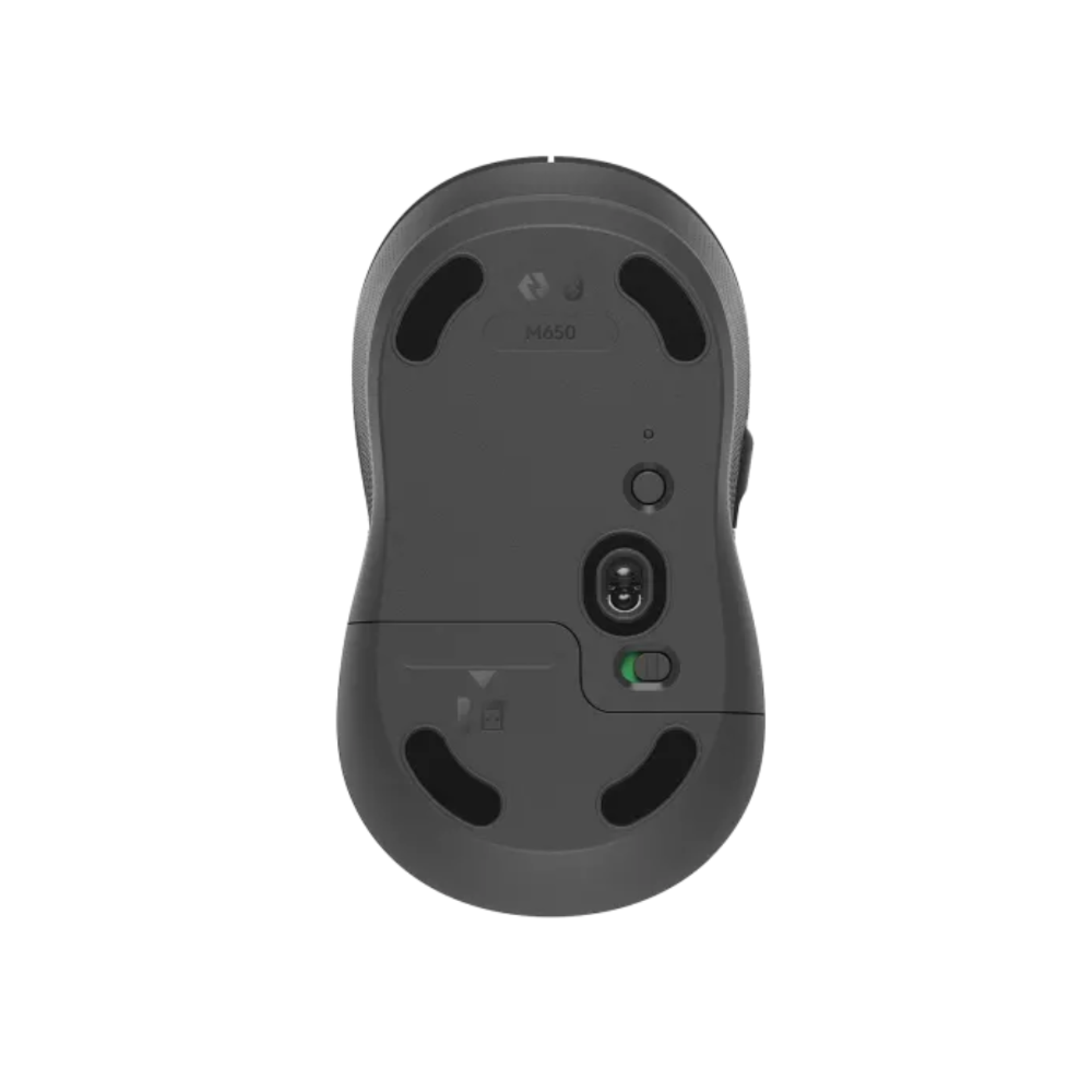
Wireless Connectivity: Connects through Bluetooth Low Energy or the included Logi Bolt USB receiver for a flexible wireless setup.
SilentTouch Technology: Reduces clicking noise, making the mouse suitable for quiet offices, libraries, and shared workspaces.
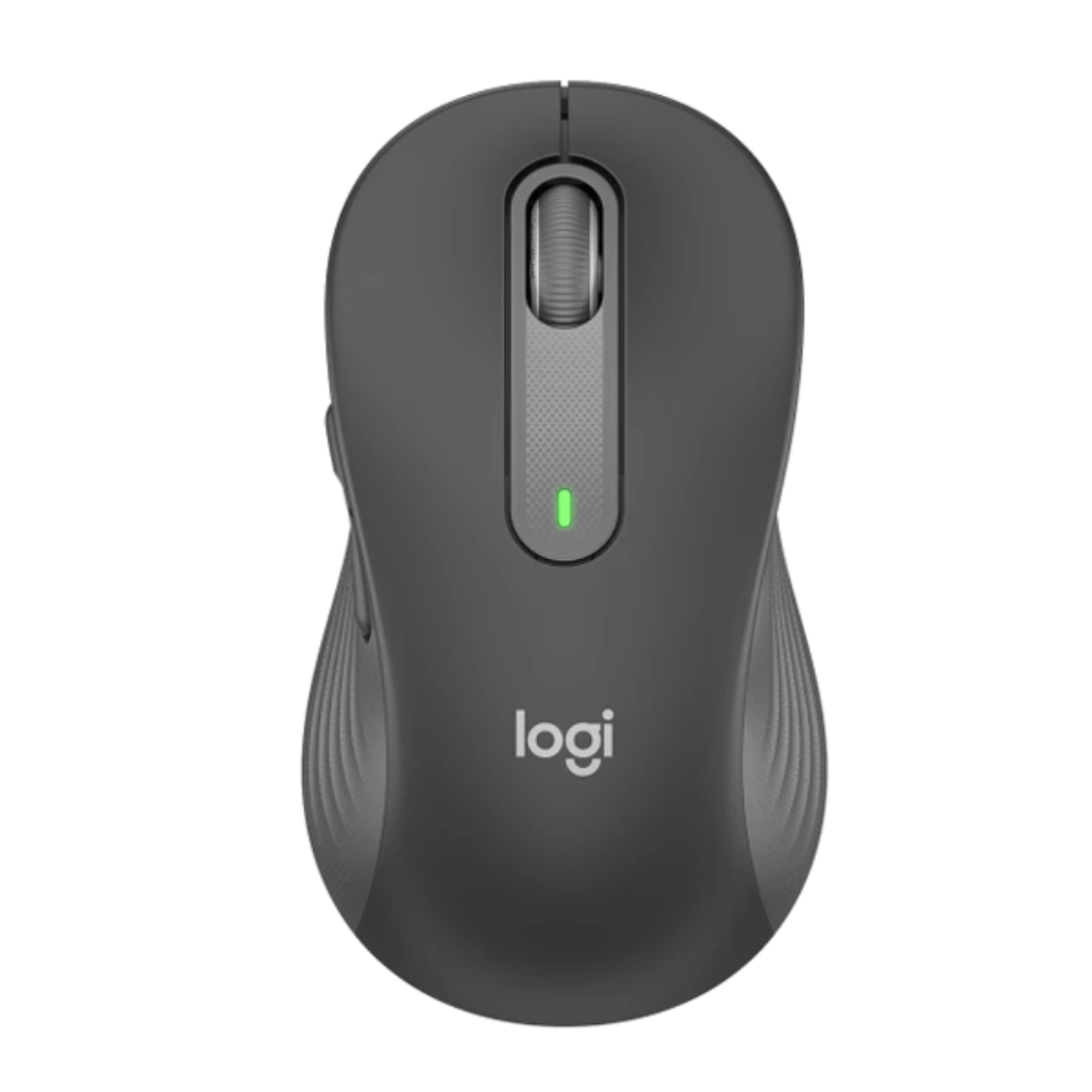
Comfortable Design: Features a contoured shape designed for comfortable everyday use.
Customisable Side Buttons: Thumb buttons can be configured for shortcuts and frequently used actions through compatible Logitech software.
Long Battery Life: Offers up to 24 months of battery life, depending on usage and operating conditions.
Broad Compatibility: Works with compatible Windows, macOS, Linux, ChromeOS, iPadOS, and Android devices.
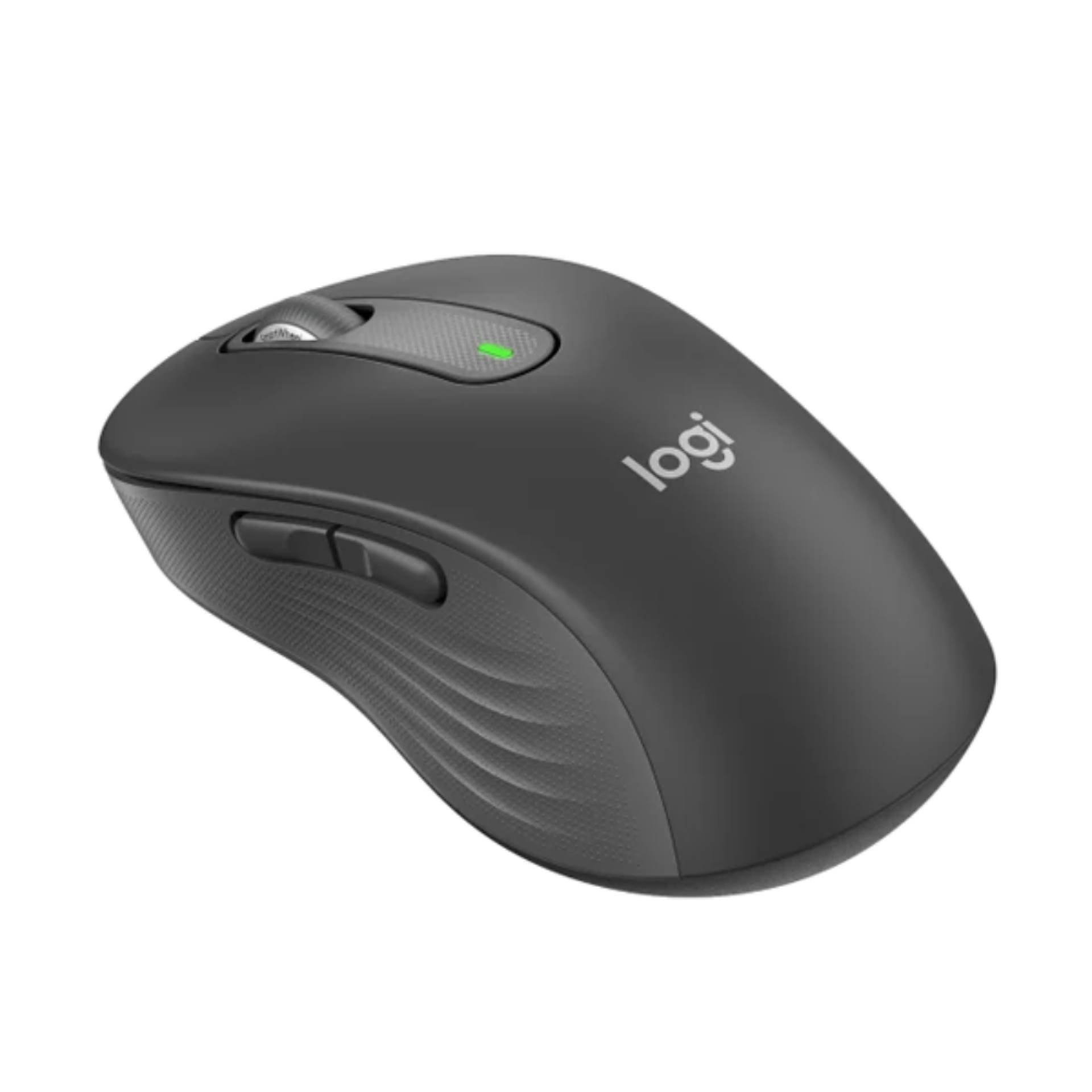
Graphite Finish: Provides a professional, understated appearance suitable for home and office setups.
The Logitech Signature Wireless Mouse M650 Graphite is designed for comfortable, quiet, and efficient everyday computing. Its SmartWheel scrolling system makes it easier to move through documents and web pages, while SilentTouch technology helps minimise distracting click sounds. With Bluetooth and Logi Bolt wireless connectivity, it offers flexibility for different work environments. The Graphite finish gives the mouse a clean, professional look, making it a practical accessory for office work, studying, browsing, and general productivity.
|
Product |
Price in Kenya |
|---|---|
|
Logitech Signature Wireless Mouse M650 Graphite 910-006253 |
KSh 5,500 – KSh 10,500 |
|
Specification |
Details |
|---|---|
|
Brand |
Logitech |
|
Product Name |
Signature Wireless Mouse M650 |
|
Model Number |
910-006253 |
|
Colour |
Graphite |
|
Mouse Type |
Wireless optical mouse |
|
Connectivity |
Bluetooth Low Energy and Logi Bolt USB receiver |
|
Scrolling |
SmartWheel |
|
Click Technology |
SilentTouch |
|
Buttons |
Left, right, scroll-wheel button, and side buttons |
|
Customisation |
Supported through compatible Logitech software |
|
Power Source |
1 AA battery |
|
Battery Life |
Up to 24 months, depending on usage |
|
Wireless Range |
Up to 10 metres |
|
Compatibility |
Windows, macOS, Linux, ChromeOS, iPadOS, and Android, subject to device support |
|
Intended Use |
Office work, productivity, studying, and everyday computing |
Smooth Navigation: SmartWheel scrolling supports controlled movement through detailed documents and faster navigation through lengthy pages.
Quiet Operation: SilentTouch technology reduces the sound produced by mouse clicks, helping maintain a quieter working environment.
Responsive Control: Optical tracking supports everyday tasks such as browsing, selecting text, editing documents, and navigating applications.
Wireless Convenience: The absence of a permanent cable helps keep desks organised and makes the mouse easy to move between suitable workspaces.
Productivity Support: Customisable side buttons can provide shortcuts for common actions, depending on software configuration.
Bluetooth Connection: Pair the mouse with a compatible computer, tablet, or other supported device without occupying a USB port.
Logi Bolt Receiver: Use the included receiver with compatible computers for a dedicated wireless connection.
Multiple Operating Systems: Suitable for many devices running Windows, macOS, Linux, ChromeOS, iPadOS, and Android, although available features may differ.
Software Customisation: Compatible Logitech software can be used to adjust supported button functions and other settings.
Flexible Workspace Use: Its wireless design is useful for home offices, business environments, classrooms, and shared desks.
Office Productivity: Navigate spreadsheets, email, presentations, and business documents.
Remote Work: Use the mouse for video meetings, online collaboration, and everyday computer tasks.
Education: Support research, online learning, assignments, and note preparation.
Home Computing: Browse websites, manage files, and perform routine tasks comfortably.
Travel and Mobile Workstations: Use it with compatible laptops and tablets when working away from a permanent desk.
|
Pros |
Cons |
|---|---|
|
Quiet clicks for shared workspaces |
Requires a replaceable AA battery |
|
Bluetooth and Logi Bolt connectivity |
Logi Bolt requires a compatible USB port or suitable adapter |
|
SmartWheel supports precise and fast scrolling |
Not designed primarily as a high-performance gaming mouse |
|
Customisable side buttons |
Some customisation features require compatible software |
|
Long advertised battery life |
Bluetooth and software features depend on device compatibility |
|
Comfortable shape for everyday use |
The standard M650 size may not suit every hand size |
Check Your Hand Size: Choose the standard M650 if its dimensions suit your hand. Users who prefer a larger mouse may want to compare it with the M650 L.
Choose Your Connection: Bluetooth is useful when preserving USB ports is important, while the Logi Bolt receiver offers another connection option.
Consider Your Work Environment: SilentTouch technology is particularly useful in offices, libraries, and other quiet spaces.
Review Software Requirements: If you plan to customise the side buttons, confirm that your operating system supports the required Logitech software.
Compare Your Usage Needs: For general productivity and browsing, the M650 offers practical features without requiring a specialised gaming mouse.
The Logitech Signature Wireless Mouse M650 Graphite is a practical choice for users who want quiet operation, comfortable everyday control, flexible wireless connectivity, and convenient scrolling. Its SmartWheel, customisable side buttons, and long advertised battery life make it suitable for office work, studying, and home computing. It is a strong option for users seeking a dependable wireless mouse for daily productivity.
Copyright © 2026 Ups & Battery City - All Rights Reserved.